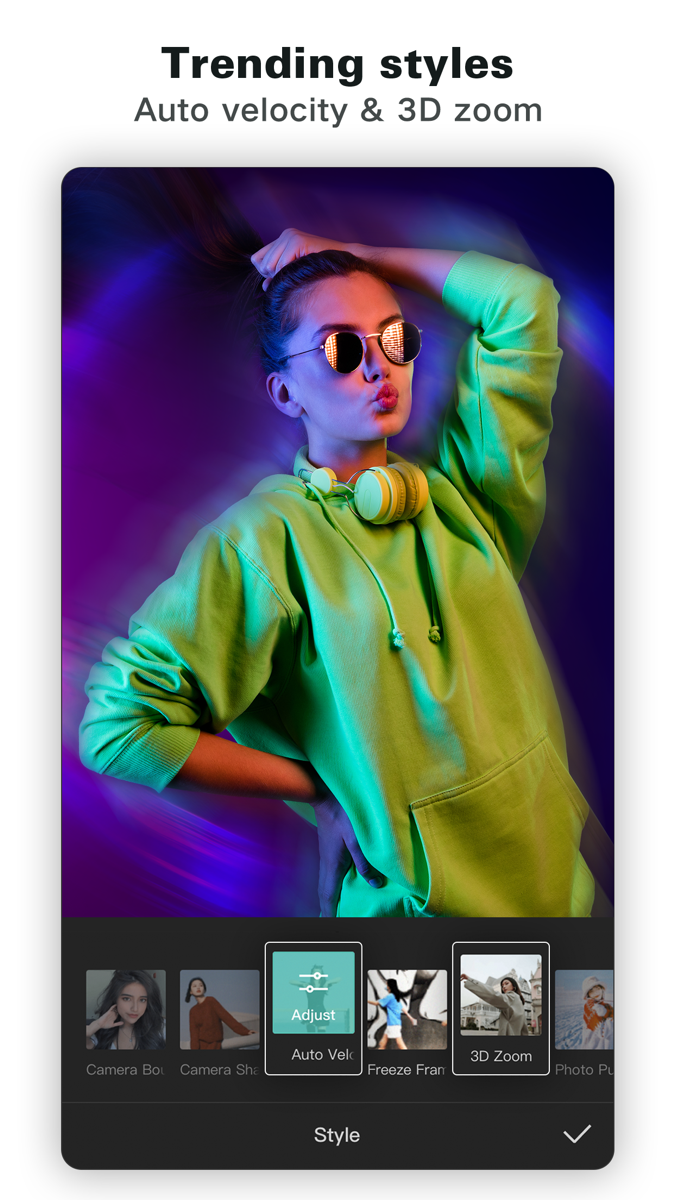
CapCut: Photo & Video Editor is a Photo product. You can open it on iOS App. Try Me Out surfaced it because Top free on the App Store right now.
The publisher’s own notes say: CapCut offers easy-to-use video editing functions, in-APP fonts and effects, advanced features such as keyframe animation, smooth slow-motion, chroma key, and stabilization, to help you capture and snip moments. Create fancy videos with other unique features: auto captions, text-to-speech, motion tracking, and background removal. Show your personality and go viral on TikTok, YouTube, Instagram, WhatsApp, and Facebook! FEATURES Basic video editing • Trim and shorten clips and split or merge videos. • Adjust video speed from 0.1x to 100x, and apply speed curves to clips. • Animate video clips
People look at Photo when they want a tool in that category to do a real task, not to collect another login. Use CapCut: Photo & Video Editor only if the official description matches the job you have this week.
CapCut: Photo & Video Editor is listed as free to download or try. A free app can still sell extras inside the product, so confirm the current plan on the official page before you rely on it.
A fair test is small. Pick one task you already have, try it in CapCut: Photo & Video Editor, and keep the result only if you would send or publish it. If the free option finishes that task, you do not need a paid plan yet.
CapCut: Photo & Video Editor — Photo. Free to try.
Top free on the App Store right now.
CapCut: Photo & Video Editor does not include a Try Me Out promo code. Open the official listing, read the permissions and the current plan, and decide from that page.



 GamingDisney SpeedstormDisney Speedstorm — Gaming. Paid listing.
Open the official website or app
Sign up or explore on their platform
Come back to rate your experience on Try Me Out
Everything we know about this pick on Try Me Out.